
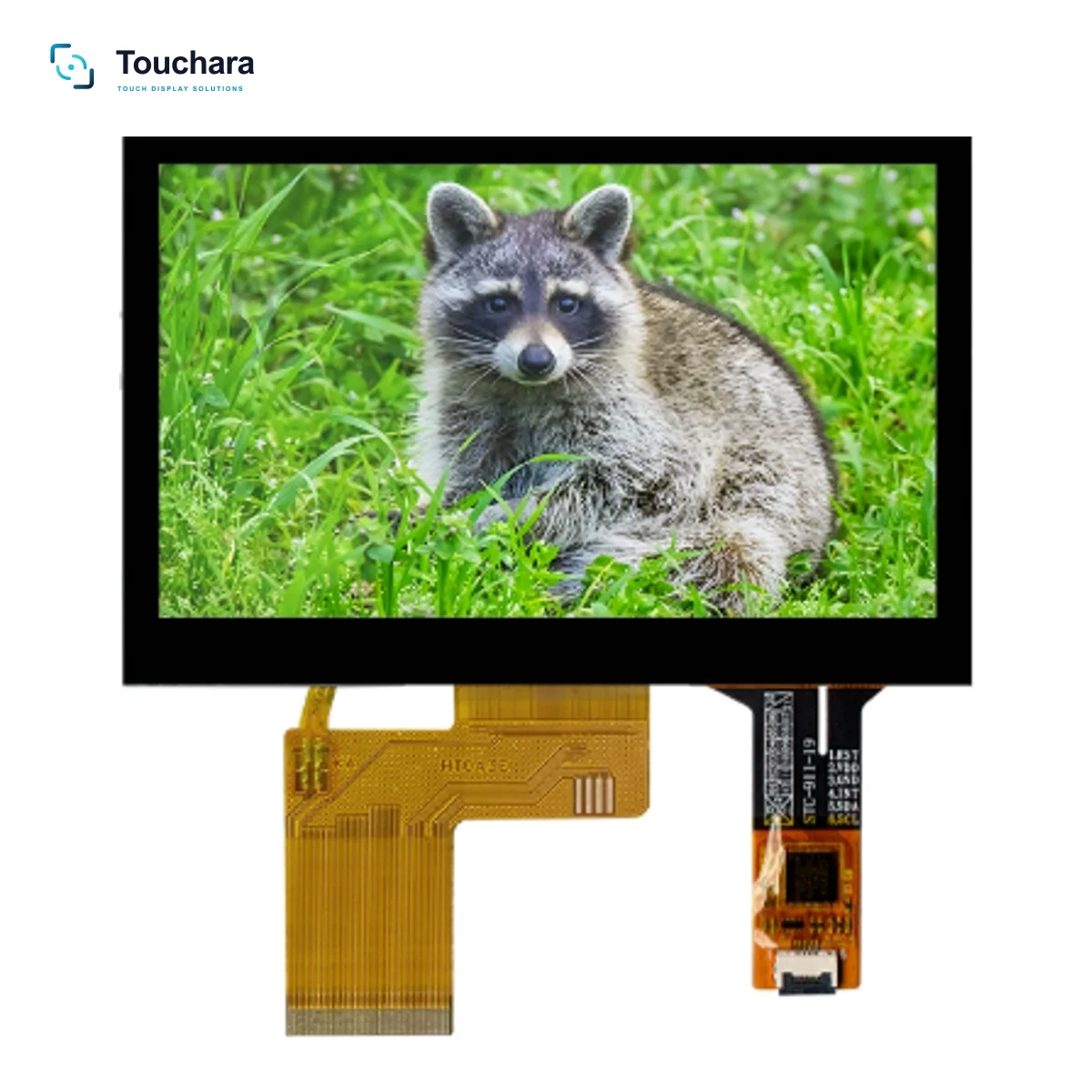
Compare the three supply forms
| Supply form | Typical scope to confirm | Integration work to plan | Useful when |
|---|---|---|---|
| Touch panel only | Touch sensor, cover lens and controller/interface as quoted | Match the existing LCD, mechanical stack, controller and firmware | The display and host integration are already controlled by your team |
| Touch + LCD module | LCD plus touch assembly; bonding method and cable scope must be stated | Match display and touch interfaces, mounting and host-board timing | You want the display and touch stack evaluated together |
| Display kit | May include a driver board, cables, power items or accessories | Confirm board inputs/outputs, firmware, enclosure fit and included accessories | You need a more complete display assembly for system integration |
Compare total project effort, not just unit price
Ask suppliers to quote the same scope and identify one-time engineering or tooling charges separately from recurring unit price. Include your own engineering time, incoming inspection, integration testing, rework exposure, spare-part planning and expected order volume. A more integrated assembly may reduce coordination steps, but it does not automatically reduce total cost for every project.
Agree who owns each verification task
When components are purchased separately, define who verifies the mechanical stack, optical performance, touch function, cable routing and final assembly. When a supplier delivers a combined assembly, confirm which tests are included and which remain the equipment maker’s responsibility. Record the approved drawing, sample revision and acceptance criteria.
Ask what “included” means
- Is the touch controller included, and how does it connect to the host?
- Are cables, driver boards, brackets or accessories included in the quoted configuration?
- Which bonding method is specified, if any, and who validates it?
- Which product and drawing revisions are covered by the quote?
- Who handles investigation if an issue appears after system assembly?
Use your team’s integration capability as the deciding factor
If your team already owns the LCD, touch controller and mechanical stack, a panel-only purchase may preserve flexibility. If the project needs a coordinated touch-and-display stack, an integrated module can simplify the interface between components. If you need a controller board or more accessories, a display kit may better match your integration stage. Compare these options against the actual project scope, not a generic rule.
Not sure which supply form fits?
Share what your team already has and what remains to be integrated.