
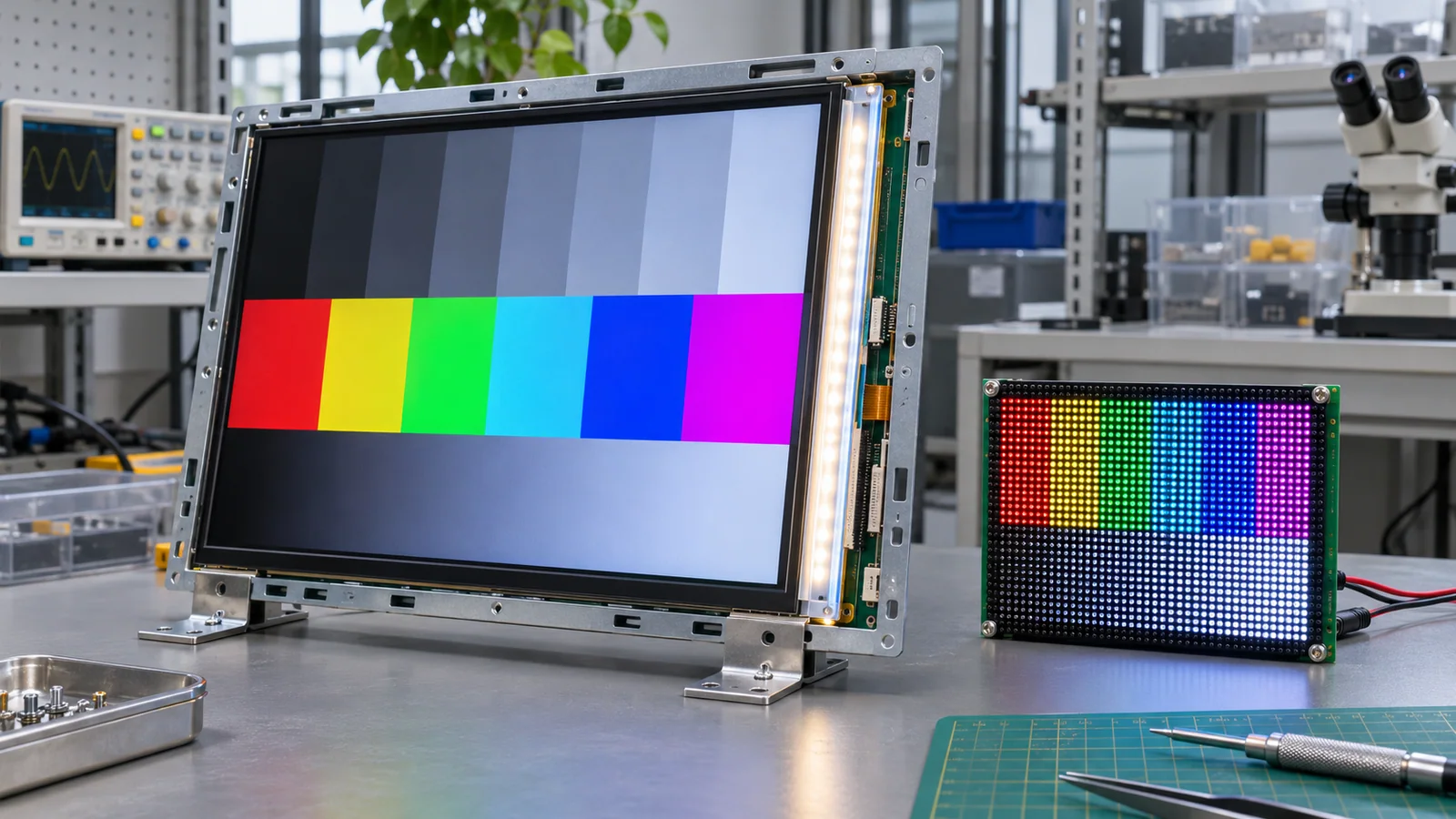
The engineering challenge
The phrase “LED screen” is used for different display architectures. Comparing products by this label can lead to wrong assumptions about backlight replacement, power, contrast, interfaces, module size and service strategy.
Separate image-forming technology from illumination
An LCD does not emit its own image light; it controls how a backlight passes through the liquid-crystal and color-filter stack. An LED-backlit LCD uses light-emitting diodes as the backlight source, which is why consumer marketing often calls it an “LED TV” or “LED monitor.” The image-forming panel remains LCD.
OLED uses self-emissive organic pixels. Direct-view LED uses LED devices as the emitting pixels in a display wall or module. These architectures differ in pixel construction, driving, module geometry, service approach and available form factors. The precise product and datasheet matter more than shorthand labels.
Compare the integration requirements
For an embedded OEM product, compare active area and resolution, luminance, contrast, viewing angle, temperature, power, thermal management, interface, mechanical outline, touch availability and lifecycle. For an LCD module, include backlight voltage/current, dimming controls, driver requirements and access for replacement. For self-emissive technologies, confirm module availability, pixel pitch or construction, driver electronics, heat and service strategy for the intended size and viewing distance.
Avoid category-level performance claims
Do not assume that every LED-backlit LCD is brighter, more efficient or longer-lived than every alternative. Results depend on the specific panel, backlight, drive conditions, optical stack, thermal environment and operating profile. Ask for the exact configuration and the test method behind any comparison. For lifecycle planning, clarify which component can be replaced and how a change affects the enclosure and electronics.
Parameters to compare
| Term | How the image is formed | OEM questions |
|---|---|---|
| LCD with LED backlight | LCD pixels modulate light from an LED backlight | Panel interface, backlight drive, thermal path and replacement scope |
| OLED | Pixels emit light individually | Module availability, drive electronics, aging/usage conditions and thermal limits |
| Direct-view LED | LED emitters form the image pixels | Pixel/module construction, pitch, driver, size and service approach |
Use precise names for panel and light-source architecture
An LCD is a light-modulating panel and normally needs a backlight; an LED-backlit LCD is still an LCD. OLED pixels emit light directly. A direct-view LED display uses emissive LED elements as image pixels. “LED display” alone can therefore describe different architectures.
For OEM integration, compare pixel pitch/resolution, viewing distance, luminance, contrast, power and heat, interface/controller, mechanical depth, serviceability and lifetime assumptions. Request the block diagram and datasheet for the exact offered architecture before comparing headline brightness or energy figures.
OEM decision framework
When reviewing a quote, request a block diagram or datasheet that identifies the image-forming panel and illumination architecture. Then compare the exact electrical, optical, mechanical and lifecycle requirements. If a supplier uses “LED display” ambiguously, ask them to clarify the quoted technology before comparing price or performance.
RFQ checklist
Include these items with the inquiry so suppliers can quote and validate the same configuration:
- Exact display architecture and module part number
- Datasheet identifying panel, backlight or emitter construction
- Interface, drive electronics, power and thermal requirements
- Mechanical outline, service access and replacement strategy
- Optical and lifecycle evidence for the specific operating conditions
Preparing an OEM display inquiry?
Share the target size, interface, operating conditions, mechanical drawing and expected quantity for a project-specific discussion.